
3D Tools
A growing set of practical browser-based tools for viewing, converting, and generating 3D assets with Modelfy 3D.
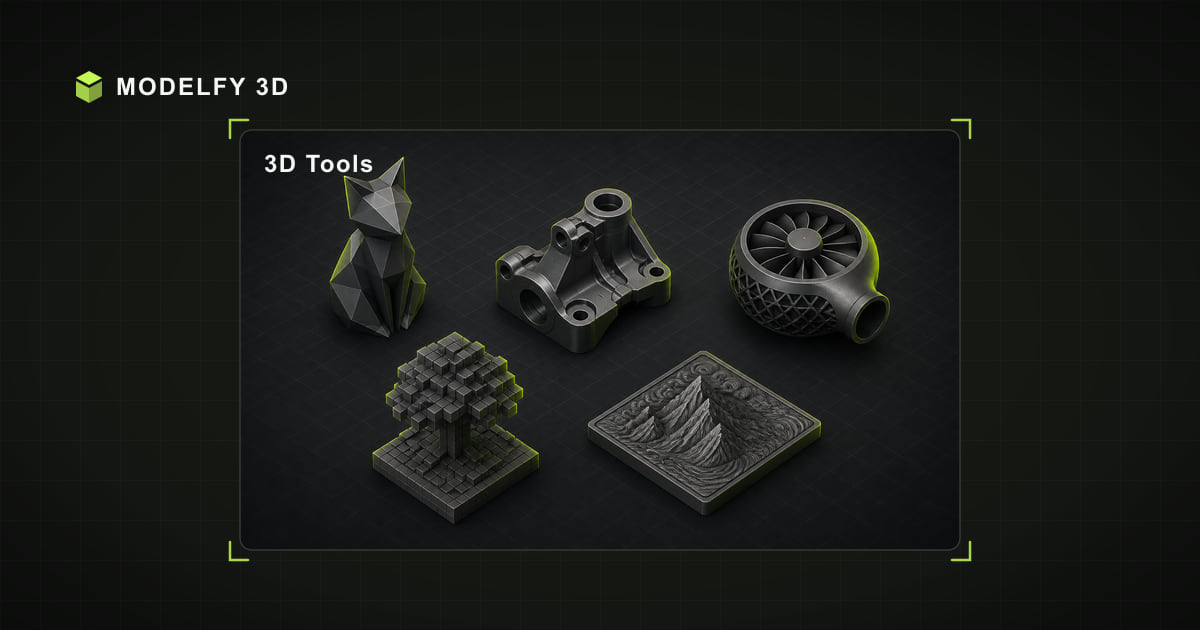
3D Text Generator
Create custom 3D text locally in your browser, preview it instantly, and export real mesh files for design or 3D printing.
Online 3D Viewer
Open 3D files in your browser, inspect geometry, and preview assets locally before they enter your production pipeline.
3D File Converter
Convert 3D models and images between 18 source and 8 target formats, locally in your browser with no upload.
Browser-local workflow
How this tool works
- Step 1
Choose a task
Start with the option that matches your job.
- Step 2
Work locally
The supported work happens locally in your browser.
- Step 3
Download or inspect
Use the result in the next step of your work.
Popular viewers
Open 3D files online
FBX Viewer
Open and inspect .fbx files directly in your browser with a private local FBX 3D viewer.
GLB Viewer
Open and inspect .glb files directly in your browser with a private local GLB 3D viewer.
OBJ Viewer
Open and inspect .obj files directly in your browser with a private local OBJ 3D viewer.
STEP Viewer
Open and inspect .step files directly in your browser with a private local STEP 3D viewer.
STL Viewer
Open and inspect .stl files directly in your browser with a private local STL 3D viewer.
USDZ Viewer
Open and inspect .usdz files directly in your browser with a private local USDZ 3D viewer.
Popular converters
Convert between 3D and image formats
GLB to STL Converter
Convert GLB files to STL locally in your browser for faster handoff across 3D tools.
STL to OBJ Converter
Convert STL files to OBJ locally in your browser for faster handoff across 3D tools.
PNG to STL Converter
Convert PNG files to STL locally in your browser for faster handoff across 3D tools.
FBX to OBJ Converter
Convert FBX files to OBJ locally in your browser for faster handoff across 3D tools.
GLB to USDZ Converter
Convert GLB files to USDZ locally in your browser for faster handoff across 3D tools.
SVG to STL Converter
Convert SVG files to STL locally in your browser for faster handoff across 3D tools.
Frequently asked questions
Is my 3D model file uploaded to a server?
The selected 3D model file is processed by the browser and is not uploaded to Modelfy. Website code and static assets still load over the network like a normal web page.
What tools are included?
A free online 3D viewer for 15 file formats, a file converter covering 128 distinct format pairs, and a local 3D text generator. All three tools run in your browser.
Is the 3D toolkit free to use?
Yes. The browser viewer, converter, and local 3D text tool require no account and add no watermark. Input limits vary by format, up to 50 MB; AI model generation is a separate credit-based product.
Other popular 3D tools
Continue the workflow
3D Text Generator
Create custom 3D text locally in your browser, preview it instantly, and export real mesh files for design or 3D printing.
3DM Viewer
Open and inspect .3dm files directly in your browser with a private local 3DM 3D viewer.
3DS Viewer
Open and inspect .3ds files directly in your browser with a private local 3DS 3D viewer.
3MF Viewer
Open and inspect .3mf files directly in your browser with a private local 3MF 3D viewer.
DAE Viewer
Open and inspect .dae files directly in your browser with a private local DAE 3D viewer.
DXF Viewer
Open and inspect .dxf files directly in your browser with a private local DXF 3D viewer.
FBX Viewer
Open and inspect .fbx files directly in your browser with a private local FBX 3D viewer.
GLB Viewer
Open and inspect .glb files directly in your browser with a private local GLB 3D viewer.
From a single image to a production-ready 3D model
These browser tools stay free for viewing and converting files you already have. When the model does not exist yet, Modelfy generates a textured mesh from one reference image — the first one is free.