🎉Ultra is live · 50% off — limited time
Local viewer

STEP Viewer

Open and inspect .step files directly in your browser with a private local STEP 3D viewer.

Processed locally
No signup required
Files stay on your device
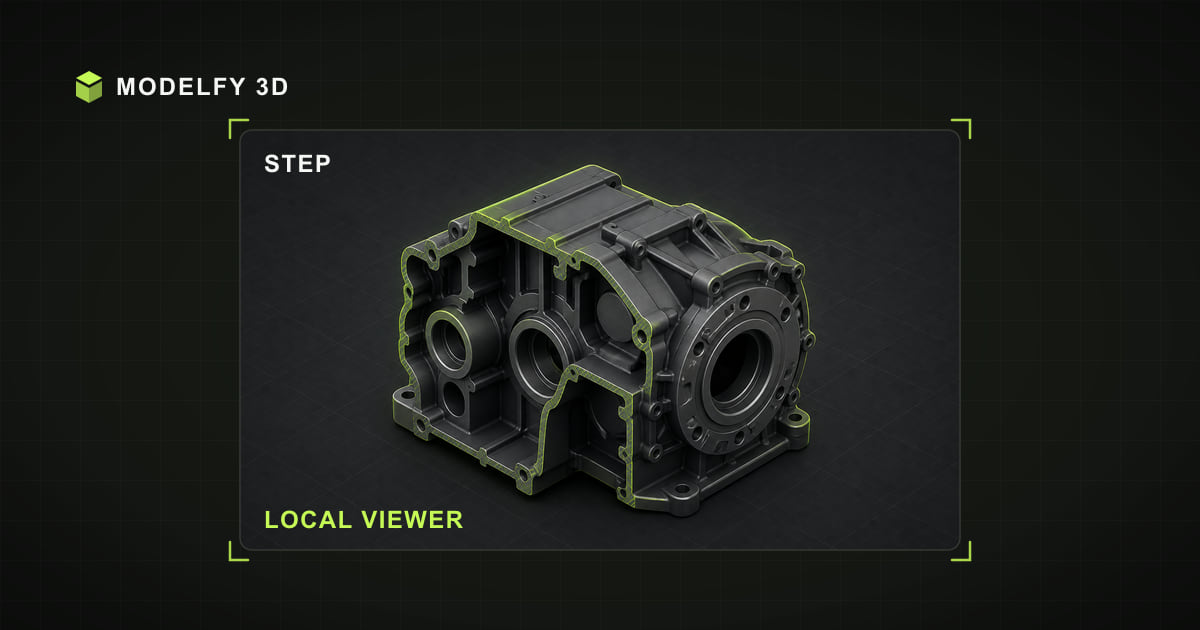
Isometric STEP file illustration for Modelfy's local STEP viewer

Private local preview

Upload a local file to inspect it here.

Browser-local workflow

How this tool works

  1. Step 1

    STEP file

    Choose a STEP file from this device.

  2. Step 2

    Local parser

    The browser reads the supported file data locally.

  3. Step 3

    Interactive preview

    Orbit, inspect, and review the loaded model in this tab.

Direct answer

Can I open STEP files in my browser?

Yes. This STEP viewer parses and renders a single file locally in your browser, so the model is not uploaded to Modelfy. STEP files up to 50 MB are accepted. Current boundary: STEP AP203/AP214 solids are tessellated for display; editable B-rep and feature history are not exposed.

Current browser support

Limits to know before opening the file

  • STEP AP203/AP214 solids are tessellated for display; editable B-rep and feature history are not exposed.

Practical workflows

When this format is a useful fit

  1. 01Mechanical CAD exchange
  2. 02Manufacturing and CAM handoff
  3. 03Engineering design review

Why choose this online STEP viewer

Local STEP file parsing

The selected STEP model file is decoded on your device and is not uploaded to Modelfy. The page itself still loads normal website code and static assets.

Inspect Standard for the Exchange of Product Data geometry

Orbit, zoom, and pan around the loaded model to review geometry for mechanical cad exchange before using it in another application.

STEP support boundary

Current browser implementation: STEP AP203/AP214 solids are tessellated for display; editable B-rep and feature history are not exposed.

Continue a STEP workflow

Use the related tools to compare other viewers or move supported STEP geometry into a documented target format.

How to open a STEP file online

  1. 01

    Upload your file

    Drag and drop a STEP file into the viewer, or click Upload to pick one from your device.

  2. 02

    Inspect in 3D

    After the STEP loader finishes, drag to rotate, scroll to zoom, and right-click to pan while checking the model for mechanical cad exchange.

  3. 03

    Continue your workflow

    Review the documented boundary before continuing: STEP AP203/AP214 solids are tessellated for display; editable B-rep and feature history are not exposed.

About the STEP file format

Standard for the Exchange of Product Data

STEP (ISO 10303, files ending .step or .stp) is the universal exchange format of mechanical CAD. Unlike mesh formats, it stores exact boundary-representation (BREP) solids with analytic surfaces, so geometry stays precise at any zoom level.

Opening STEP in a browser requires tessellating those solids into triangles, which this tool does locally with an OpenCascade-based engine — your CAD data never leaves the device.

Format reference: ISO 10303-21 standard record

Strengths

  • Exact BREP solids, not approximations
  • ISO standard supported by all CAD suites
  • Assembly structure support

Commonly used for

  • Mechanical CAD exchange
  • Manufacturing and CAM handoff
  • Engineering design review

Frequently asked questions

Is my STEP model file uploaded to a server?

The selected STEP model file is processed by the browser and is not uploaded to Modelfy. Website code and static assets still load over the network like a normal web page.

Is the STEP viewer free to use?

Yes. The browser viewer, converter, and local 3D text tool require no account and add no watermark. Input limits vary by format, up to 50 MB; AI model generation is a separate credit-based product.

What is the maximum file size?

STEP inputs up to 50 MB are accepted. The format-specific limit keeps browser-local parsing bounded; actual processing also depends on available memory, model complexity, and device performance.

Is my STEP file converted to a mesh for viewing?

Yes. Browsers render triangles, so the exact BREP solids are tessellated locally into a mesh for display. The original file is untouched, and nothing is uploaded.

Explore more viewers

Open other 3D formats online

3DM Viewer

Open and inspect .3dm files directly in your browser with a private local 3DM 3D viewer.

Open tool

3DS Viewer

Open and inspect .3ds files directly in your browser with a private local 3DS 3D viewer.

Open tool

3MF Viewer

Open and inspect .3mf files directly in your browser with a private local 3MF 3D viewer.

Open tool

DAE Viewer

Open and inspect .dae files directly in your browser with a private local DAE 3D viewer.

Open tool

DXF Viewer

Open and inspect .dxf files directly in your browser with a private local DXF 3D viewer.

Open tool

FBX Viewer

Open and inspect .fbx files directly in your browser with a private local FBX 3D viewer.

Open tool

GLB Viewer

Open and inspect .glb files directly in your browser with a private local GLB 3D viewer.

Open tool

GLTF Viewer

Open and inspect .gltf files directly in your browser with a private local GLTF 3D viewer.

Open tool

OBJ Viewer

Open and inspect .obj files directly in your browser with a private local OBJ 3D viewer.

Open tool

PLY Viewer

Open and inspect .ply files directly in your browser with a private local PLY 3D viewer.

Open tool

STL Viewer

Open and inspect .stl files directly in your browser with a private local STL 3D viewer.

Open tool

STP Viewer

Open and inspect .stp files directly in your browser with a private local STP 3D viewer.

Open tool

USDZ Viewer

Open and inspect .usdz files directly in your browser with a private local USDZ 3D viewer.

Open tool

VOX Viewer

Open and inspect .vox files directly in your browser with a private local VOX 3D viewer.

Open tool
AI 3D generation

From a single image to a production-ready 3D model

These browser tools stay free for viewing and converting files you already have. When the model does not exist yet, Modelfy generates a textured mesh from one reference image — the first one is free.