🎉Ultra is live · 50% off — limited time
Local converter

3MF to STL Converter

Convert 3MF files to STL locally in your browser for faster handoff across 3D tools.

Processed locally
No signup required
Files stay on your device
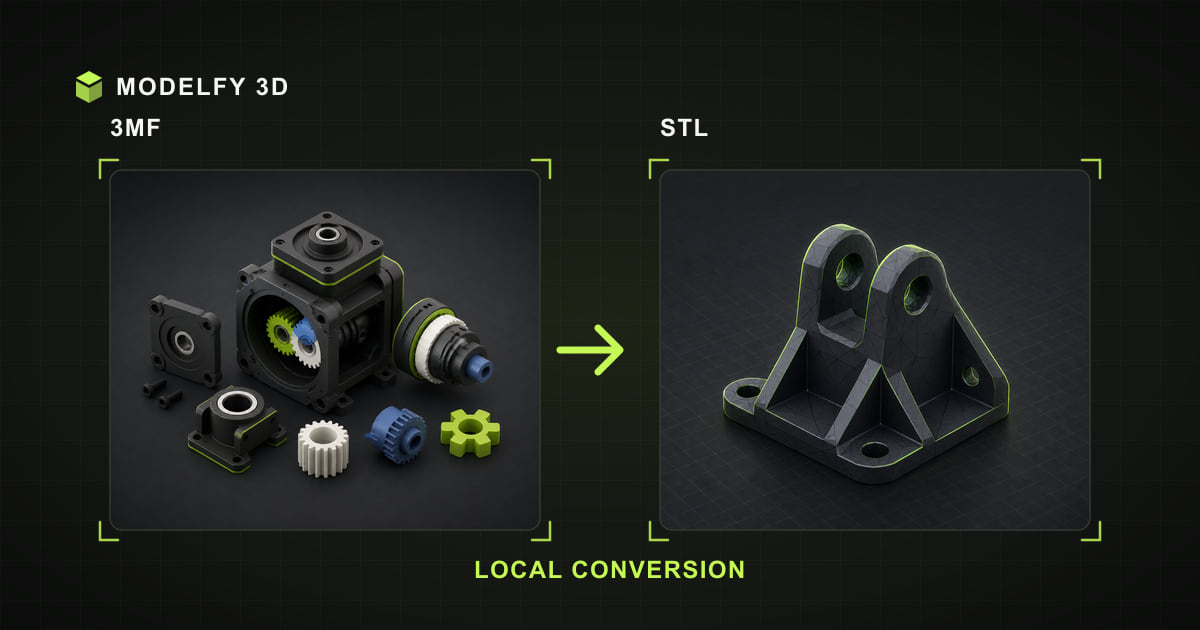
Browser-local 3MF to STL conversion illustration

Private browser conversion

Files are converted locally in your browser.

1Upload2Convert3Download

Browser-local workflow

How this tool works

  1. Step 1

    3MF

    Choose a 3MF file from this device.

  2. Step 2

    Browser-local conversion

    The supported geometry is converted in this browser.

  3. Step 3

    STL

    Download the STL result when conversion is complete.

Preserved

  • Geometry

Lost

  • Materials
  • Textures
  • Vertex colors

Direct answer

What is preserved when converting 3MF to STL?

This converter processes the 3MF file locally in your browser and downloads the converted STL file. Geometry is retained by the current loader and writer. Materials, textures, vertex colors, scene hierarchy, and units and scale are not included in the downloaded file.

Before you convert

3MF to STL compatibility

These results describe Modelfy's current browser loader and exporter, not every feature allowed by the file specifications.

Data preserved, limited, or lost when converting 3MF to STL
DataResultWhat this implementation does
GeometryPreservedThe current exporter writes a binary triangle mesh.
MaterialsNot exportedSTL output from this tool does not store materials.
TexturesNot exportedThe 3MF format can contain this data, but the current single-file loader does not retain it for conversion.
Vertex colorsNot exportedThe 3MF format can contain this data, but the current single-file loader does not retain it for conversion.
AnimationNot in source3MF does not define animation to carry into STL.
Scene hierarchyNot exportedSTL output from this tool does not store scene hierarchy.
Units and scaleNot exportedSTL has no unit metadata, so the destination application must be told the intended scale.

Verify after export

  • Confirm scale and units when opening the STL file in the destination application.
  • Compare material colors and textures with the browser preview before using the result in production.

Why choose this 3MF to STL converter

Local 3MF decoding

The selected 3MF model file is decoded and rewritten as STL on your device; the model file is not uploaded to Modelfy.

3MF to STL data report

The compatibility table identifies geometry as preserved by this loader and writer.

STL output checks

Materials is lost; review the implementation detail and verify the downloaded file in your destination tool.

Preview before export

Inspect the browser preview before converting, then use the post-export checklist to confirm the STL result.

How to convert 3MF to STL online

  1. 01

    Upload your 3MF file

    Drag and drop the file into the converter, or click Upload. 3MF inputs up to 25 MB are processed locally.

  2. 02

    Convert to STL

    Preview the model in 3D, then click Convert. The conversion runs locally in the browser; processing time depends on model complexity and device resources.

  3. 03

    Download the STL file

    Your STL file downloads straight to your device, ready for the next tool in your pipeline.

About the 3MF file format

3D Manufacturing Format

3MF was created by the 3MF Consortium (Microsoft, HP, Prusa, Ultimaker, and others) as the successor to STL for additive manufacturing. It is a ZIP-based container holding an XML mesh description with real units, colors, materials, and printer metadata.

Modern slicers like PrusaSlicer, Bambu Studio, and Cura prefer 3MF because a single file can carry the full print project.

Format reference: 3MF Consortium core specification

Strengths

  • Real units and manifold guarantees
  • Color and material support
  • Native format of modern slicers

Commonly used for

  • 3D print project exchange
  • Color/multi-material printing
  • Slicer-ready model delivery

About the STL file format

Stereolithography

STL (stereolithography) describes a model as a raw list of triangles. It carries no color, texture, or unit information — just geometry — which is exactly what slicers and 3D printers need.

Both binary and ASCII STL variants exist; binary files are far smaller and are what this tool reads and writes.

Format reference: Library of Congress STL format description

Strengths

  • Native language of 3D printing workflows
  • Simple, robust triangle soup
  • Widely supported by slicers and CAD tools

Commonly used for

  • 3D printing and slicing
  • Rapid prototyping
  • CNC and manufacturing previews

Frequently asked questions

Is my 3MF model file uploaded to a server?

The selected 3MF model file is processed by the browser and is not uploaded to Modelfy. Website code and static assets still load over the network like a normal web page.

Will I lose quality converting 3MF to STL?

Mesh geometry is preserved as closely as the STL format allows. The target format may triangulate geometry or drop unsupported features such as animations, materials, textures, or scene hierarchy.

Is the 3MF to STL converter free to use?

Yes. The browser viewer, converter, and local 3D text tool require no account and add no watermark. Input limits vary by format, up to 50 MB; AI model generation is a separate credit-based product.

What is the maximum file size?

3MF inputs up to 25 MB are accepted. The format-specific limit keeps browser-local parsing bounded; actual processing also depends on available memory, model complexity, and device performance.

Is 3MF better than STL for printing?

3MF stores explicit units, avoids the leaky triangle-soup pitfalls of STL, and can embed colors and print settings, so most modern slicers recommend it. Converted files from this tool use millimeter units.

Why does my STL file have no color?

The STL format only stores triangle geometry. Colors, materials, and textures are not part of the specification, so every STL viewer assigns its own display material.

Related converters

AI 3D generation

From a single image to a production-ready 3D model

These browser tools stay free for viewing and converting files you already have. When the model does not exist yet, Modelfy generates a textured mesh from one reference image — the first one is free.